Full course
$87
Every module, foundations through more advanced strategy. For when you want the full picture with no gaps.
- All modules
- The full curriculum, in order
- Foundations through advanced strategy
The Meta Ads Course
From your first ad account to the campaign you already run and aren’t sure what to change. Learn the setup, then the reasoning behind each option, so you can decide what makes sense for your situation.
Every module for $87, or a short quiz picks the modules you need for $67.

Before you touch the budget, ask what problem you’re solving.
Who it’s built for
Some people open Ads Manager for the first time and can’t tell what anything means. Others have run campaigns for a year and still second-guess every change. The course is built to carry both.
Never touched Meta Ads
“How do I set up my business account?”
“Where do I even start?”
“What campaign do I create?”
“What does all of this mean?”
“How much should I spend?”
“What should I set up before launching?”
Already running ads
“What should I change?”
“Is this enough data?”
“Should I consolidate these ad sets?”
“Which targeting option makes sense?”
“Why did performance change?”
“What should I test next?”
It starts at zero. It doesn’t stop there.
See what’s insideBy the end
Understand and configure the essentials.
Put a campaign together on purpose.
Go live knowing why each setting is there.
Understand the main performance signals.
Know what to ask before changing something.
A straight answer: No course can promise results, and this one doesn’t. What it gives you is the understanding to make the call yourself, and to know when a call needs more information.
Two ways in
Full course
$87
Every module, foundations through more advanced strategy. For when you want the full picture with no gaps.
Personalized course
Quiz decides the modules$67
A short quiz looks at what you already know and what you need. Your answers decide which modules make up your course.
Try one question
The real quiz starts from zero and only gets more technical if your answers show you’re ready for it. It checks what you know and asks what you need, then sorts every module.
Your path so far
Pick an answer to see it update
The curriculum
12 areas. The course moves in the order you’d actually need it. Each area covers what the option is, what problem it solves, and when it’s the wrong call.
What everything is
01
Foundations & Business Setup
The accounts, assets and permissions to have in place before you spend anything.
02
Ads Manager
Where things live, what the columns mean and how to find your way around.
03
Objectives & Funnel
What each objective asks Meta to do, and how to pick one on purpose.
How it fits together
04
Campaign, Ad Set & Ad Structure
Which decisions belong at which level, and why the structure matters.
05
Budget & Bidding
Budget options, bid strategies and the trade-offs behind each one.
06
Audiences & Targeting
Broad, custom, lookalike and Advantage+ options, and when each one fits.
What the numbers say
07
Creative & Testing
How to set up a test you can actually learn something from.
08
Reading Performance
The signals worth watching, and the ones that mostly add noise.
09
Measurement & Attribution
What Meta can and can’t see, and how to read results in that context.
What to do about it
10
Optimization
What to look at before you change anything, and when to leave it alone.
11
Troubleshooting
A way to work through drops, spikes and delivery problems step by step.
12
More Advanced Strategy
Consolidation, scaling and account structure for more complex setups.
Already know some of this? The quiz marks those modules as skip for now.
Find my $67 course pathLearn the basics, then Understand the options, then Apply them in context, then No one-size-fits-all playbooks
“There’s no right or wrong. There are features and strategies applied in the wrong cases.”
Why this course
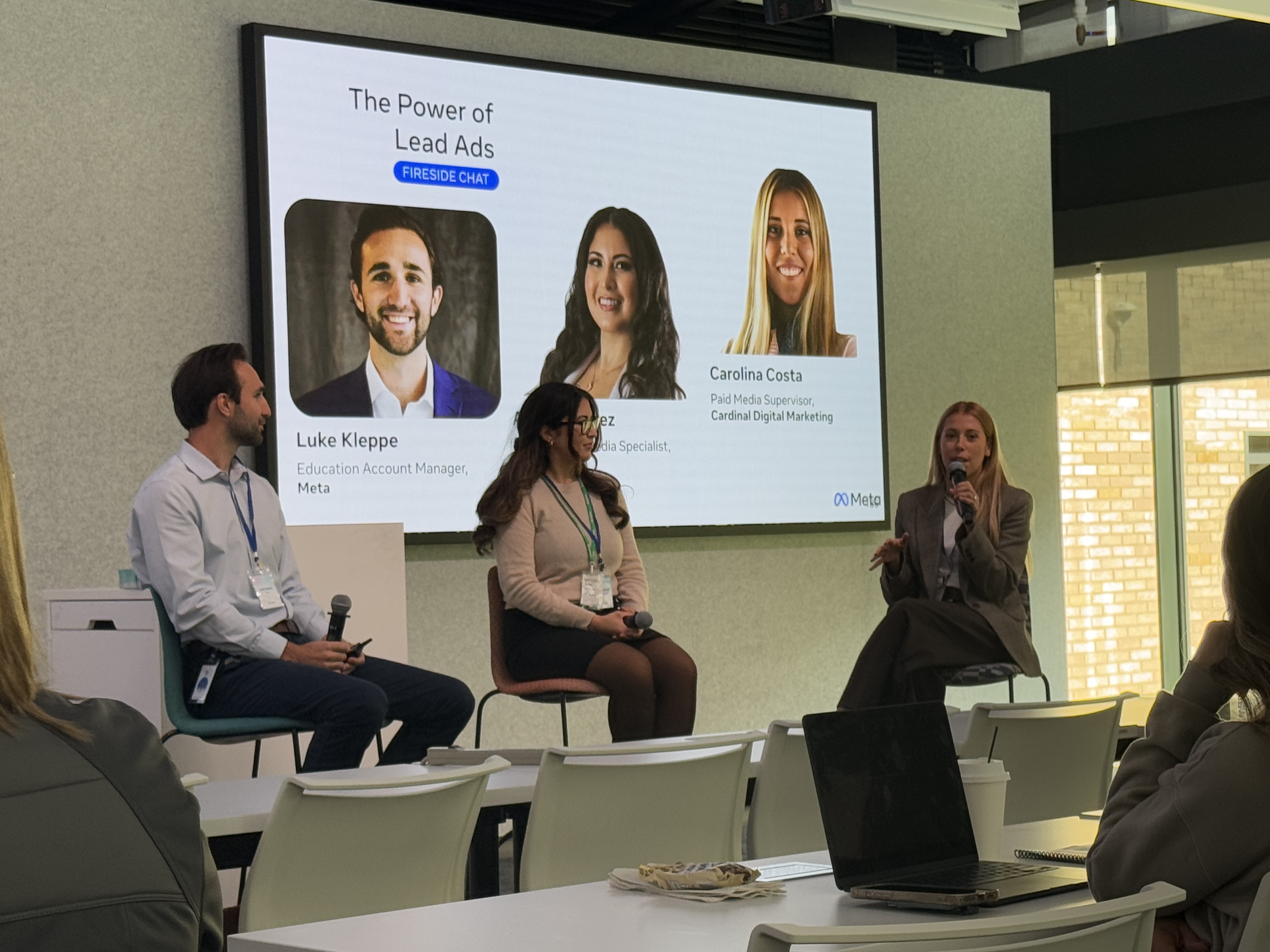
For years I got the same questions from clients, colleagues and the specialists I trained. The honest answer was almost always "it depends", and a universal playbook would have hidden exactly what it depends on.
So this course teaches the thinking behind the decisions: what each option does, what problem it solves, and how to tell whether it fits the account in front of you.
A practitioner, not a guru. Still in the accounts every week.
No. The course starts before your first campaign, with the accounts and setup you need, and explains every term the first time it shows up. If you take the quiz, it starts with plain questions and won’t assume any knowledge.
The full course does start at zero, so some early modules may be review. That’s what the personalized course is for: the quiz checks what you already know and marks those modules "skip for now", so your path starts where you actually are.
It combines two things: a few questions that check what you know, and a few that ask what you need, like your goals and whether you run your own ads. Each module ends up marked Required, Recommended or Skip for now. Required and Recommended modules make up your course.
The modules your quiz marks Required and Recommended. You’ll see the full list before you pay, so you know exactly what you’re getting.
Yes. Anything marked Skip for now stays available, and you can add it to your course from your account whenever you’re ready.
Yes. If you start with the $67 course and want everything later, you can upgrade to the full course.
No. What you’ve already paid counts toward the upgrade, so going from the personalized course to the full course costs the $20 difference.
You keep access to the modules you buy. Full access terms are listed at checkout.
Meta changes often, and lessons are updated when something meaningful changes. Updates to modules you own are included.
No. Having one helps you follow along, and the setup modules walk you through creating one, but you can learn the full course without spending on ads.
No. Plenty of people take the course before their first campaign. If you are running ads, you’ll be able to apply each module to your own account as you go.
Choose your way in
Personalized course
$67
For when you want to skip what you already know.
Full course
$87
For when you want the whole picture, in order.
Starting with the personalized course? Upgrading later costs the $20 difference, not the full price again.